
html body.single-post main#content.site-main{box-sizing:border-box!important;width:calc(100% – 32px)!important;max-width:900px!important;margin-left:auto!important;margin-right:auto!important;padding-left:0!important;padding-right:0!important}
Quick project answer
Review focus: partition interface decision.
Between design team meetings, movable partition coordination can drift. A partition interface decision log architects maintain becomes the single record of what was agreed, what remains open, and which items need project-specific confirmation. This guide sets out a practical logging method for overseas project teams, with clear evidence boundaries and drawing review steps.
Why a Partition Interface Decision Log Matters
Project review term: partition interface decision.
Movable partitions touch many interfaces: the top track route, the parking position, the adjacent wall or column, the ceiling zone, and the finish schedule. Each interface can be resolved in a meeting and then quietly changed by another discipline. Without a log, the next meeting restarts the same conversation.
A decision log is not a substitute for coordinated drawings. It is a lightweight register that records the current position, the owner, and the evidence needed before the item can be closed. It keeps the design team aligned between meetings without implying that any performance or engineering outcome has been proven.
What Belongs in the Log
Coordination scope: partition interface decision.
Keep entries short and factual. Each row should describe the interface, the current decision status, and the exact information still required. Avoid recording assumptions as decisions.
Core fields for each entry
- Interface ID: a stable reference used on drawings and in meeting minutes.
- Location: room, grid line, or elevation where the interface occurs.
- Decision status: open, proposed, confirmed by design team, or awaiting project-specific evidence.
- Owner: the discipline responsible for the next action.
- Evidence needed: drawing, layout review, or written confirmation required.
- Linked documents: drawing number, specification section, or meeting minute reference.
The exact route, junction arrangement, continuous overhead path and parking position must be confirmed from the coordinated project drawings. It also makes the boundary between design intent and project-specific confirmation visible to everyone.
Logging the Movement and Parking Route

Checklist focus: partition interface decision.
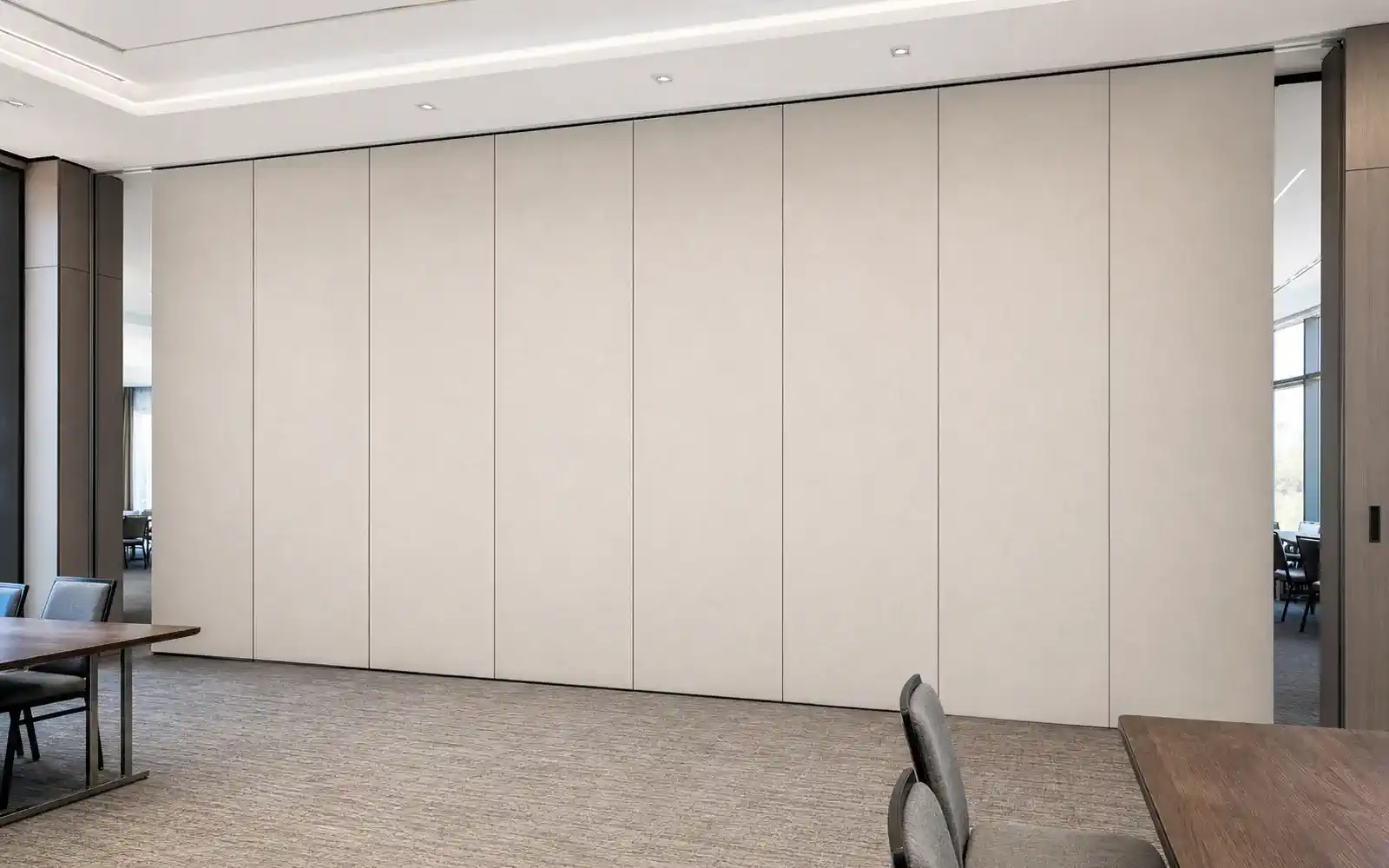
EBUNGE movable partition panels are individually movable, suspended from a top track, cross the opening without a floor track, and park at a planned stacking position. The layout review covers straight, turning, and stacking routes. The log should record each route as a separate interface item, because a change to one route can affect another.
Route items to record
- Entry and exit points for each panel movement path.
- Turning locations where the overhead route changes direction.
- Stacking position and the space reserved for parked panels.
- Adjacent elements that may affect the route, such as columns or fixed joinery.
- Drawing references that show the continuous connected overhead route.
Do not treat a sketch as proof that a route works. Every proposed movement path requires a continuous connected overhead route and project-specific support review. The log should state that confirmation is pending until the relevant drawing is reviewed.
Finish and Interface Decisions
Confirmed finish options include laminate, melamine, fabric, leather, glass, and other approved surfaces. Finish selection is often logged separately from route decisions, but the two interact at edges, reveals, and adjacent materials.
Finish-related entries
- Finish family selected for each partition face.
- Interface with adjacent wall, ceiling, or floor finish.
- Any approved surface requiring project-specific review.
- Drawing or schedule reference for the selected finish.
The suitability of each route and parking arrangement depends on the approved layout, circulation, ceiling interfaces and operating sequence. If a finish decision depends on such a claim, the log should mark it as requiring matching project evidence.
Acoustic and Seal Concepts Without Overclaiming
Seals and acoustic concepts should be described generically in the log, with performance left to project-specific confirmation.
How to phrase acoustic entries
Acoustic intent noted for this interface. Project-specific acoustic requirement and supporting evidence to be confirmed by the responsible discipline before the item is closed.
This wording keeps the log honest.
Running the Log Between Meetings
The log only works if it is maintained. Assign one coordinator to update it after each meeting and to circulate a short delta before the next one. The delta should list new items, changed statuses, and items that have become blocked.
A simple weekly routine
- Update statuses from the latest drawing issue.
- Flag any item where evidence is still missing.
- Notify the owner of each open item.
- Prepare a one-page summary for the next design team meeting.
Keep the log separate from the drawing set. Drawings show geometry; the log shows decision status and evidence gaps. Together they reduce the chance that an unresolved interface is mistaken for a resolved one.
Evidence Boundaries and Project-Specific Confirmation
Visible references can support layout discussion but do not verify hidden construction or performance. Comparative, absolute, and causal statements require corresponding evidence. If that evidence is not available, the log should say so plainly.
Evidence note for reviewers
- Confirm project-specific support, acoustic, and dimensional requirements with the responsible disciplines.
- Do not infer performance from a photograph, finish sample, or generic application example.
- Record the exact confirmation boundary when an item cannot be closed.
Pass-door requirements and project documentation can be discussed with the supplier as part of this process. The log should reference those discussions without treating them as final until the relevant documents are issued.
Frequently Asked Questions

What is a partition interface decision log?
It is a register that records interface items, their current decision status, the responsible owner, and the evidence still required. It supports coordination between design team meetings.
Who should maintain the log?
One named coordinator should update it after each meeting and circulate a short delta before the next one. The coordinator does not need to resolve every item, but must keep statuses current.
Does the log replace coordinated drawings?
No. Drawings show geometry and layout. The log shows decision status and evidence gaps. Both are needed for a complete coordination record.
How should acoustic items be recorded?
Record the acoustic intent and the project-specific requirement, then mark the item as awaiting confirmation.
When can an interface item be closed?
Close it only when the responsible discipline has confirmed the project-specific support, acoustic, and dimensional requirements and the relevant drawing or document is referenced.
Can the log include finish selections?
Yes. Record the confirmed finish family and any adjacent material interface. Treat generic finish examples as design intent, not as evidence of performance.
Conclusion and Next Step
A partition interface decision log gives architects a disciplined way to carry coordination forward between meetings. Keep entries factual, mark evidence gaps clearly, and review straight, turning, and stacking routes against the layout. Confirm project-specific support, acoustic, and dimensional requirements before closing any item.
To discuss pass-door requirements, project documentation, or layout review for your next flexible-space project, contact the EBUNGE team. You can also review the movable partition wall range and browse project references for context before your next design team meeting.
Continue Exploring
More Movable Partition Guide Guides
- Newer guideWho Verifies Ceiling Grid Deflection Limits Before Partition Track
- Earlier guideSequence Movable Partition Work When Renovation Phases Overlap
- Related guideHow Architects Log Partition Coordination Assumptions Before Design
- Related guidePhasing Movable Partition Work When Renovation Zones Flip Mid-Project