
html body.single-post main#content.site-main{box-sizing:border-box!important;width:calc(100% – 32px)!important;max-width:900px!important;margin-left:auto!important;margin-right:auto!important;padding-left:0!important;padding-right:0!important}
Quick answer: movable partition wall handover pack
Review focus: movable partition wall handover pack.
A movable partition wall handover pack facility teams can rely on is not a folder of brochures. It is a controlled set of drawings, schedules, and confirmation notes that lets operations, maintenance, and future renovation teams understand what was coordinated, what remains project-specific, and which items still need written confirmation. This guide explains how to assemble that pack without inventing performance, cost, or engineering conclusions.
Start with the confirmed product facts
Project review term: movable partition wall handover pack.
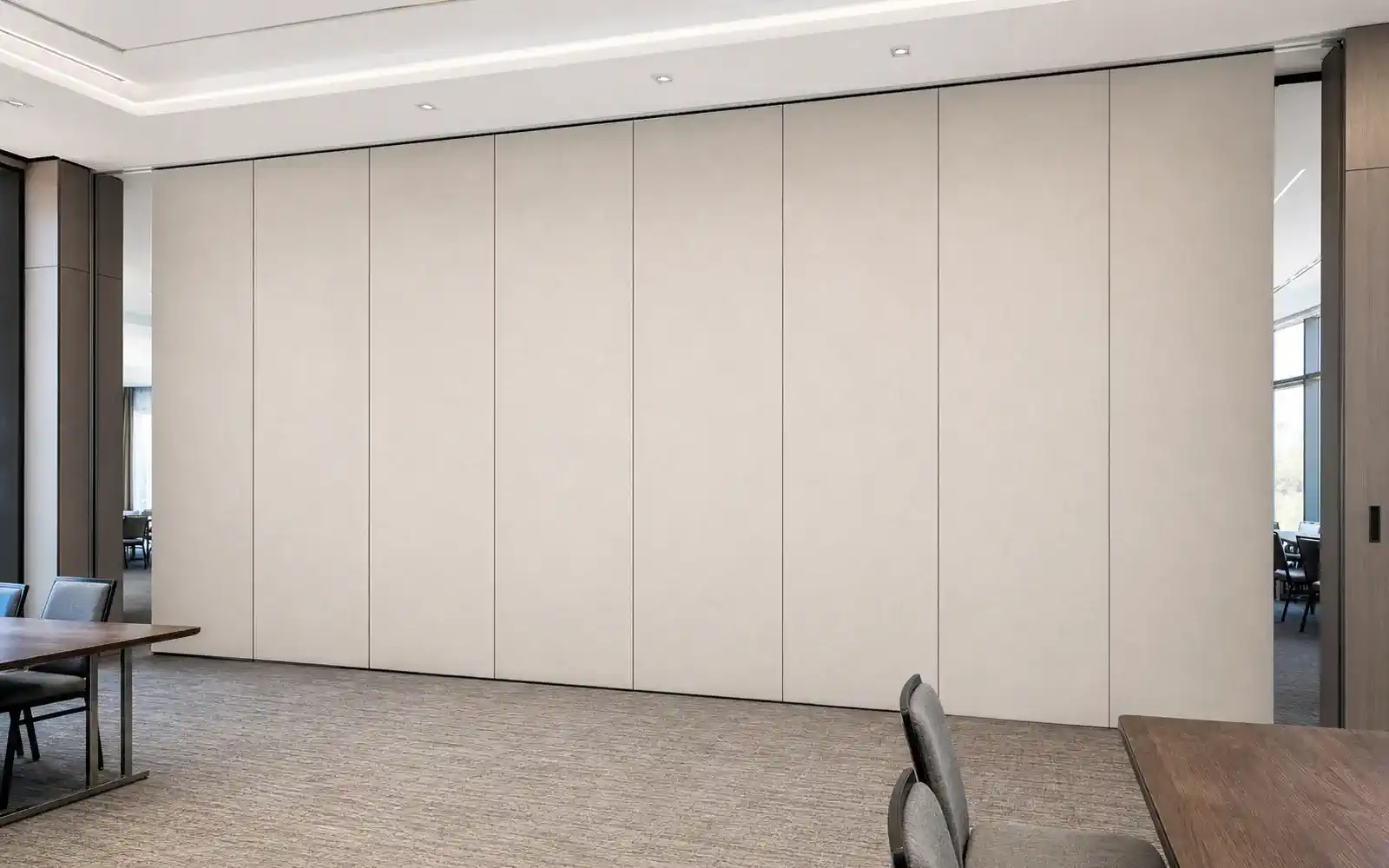
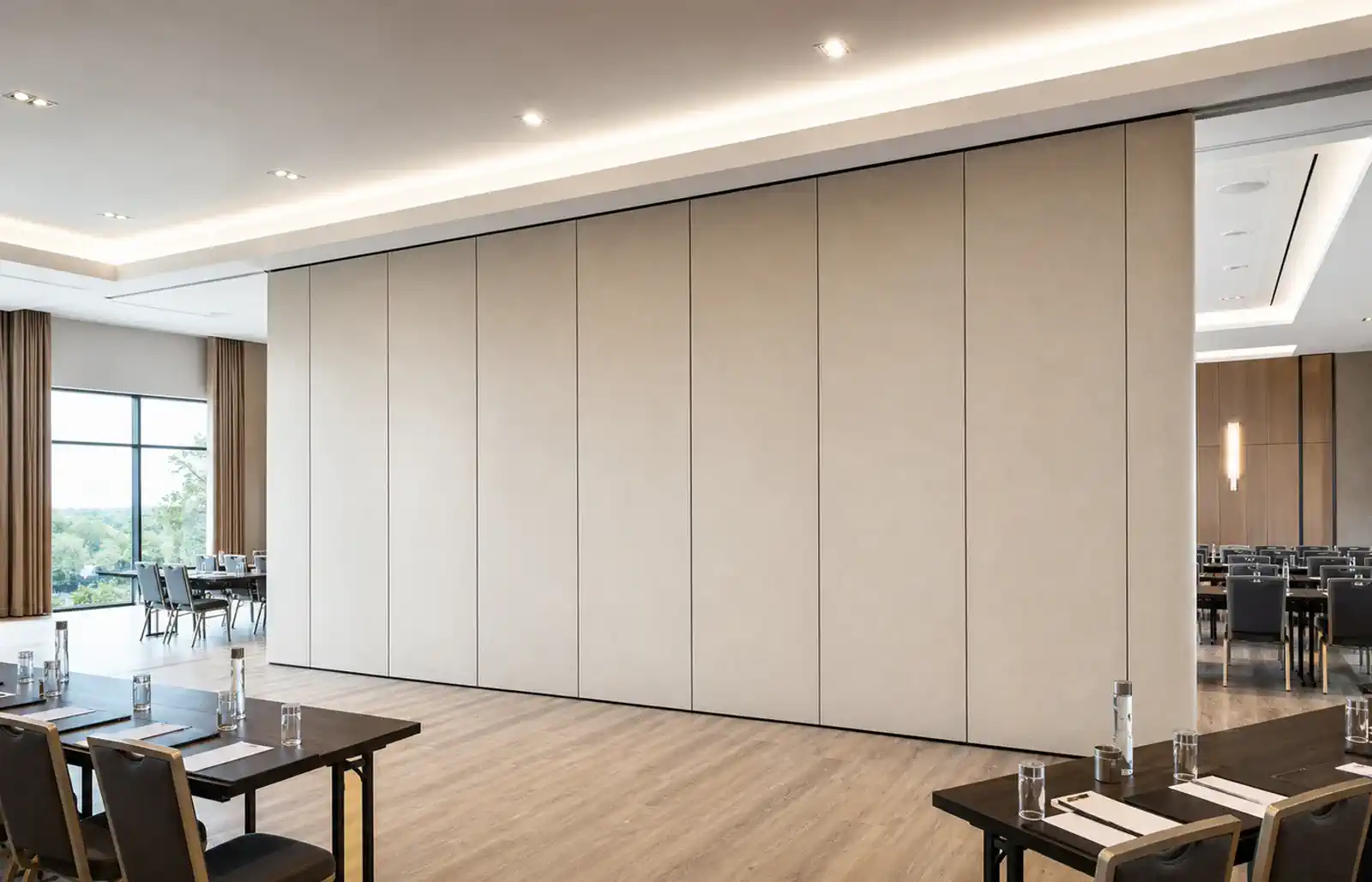
EBUNGE movable wall panels are individually movable and suspended from a top track. They cross the opening without a floor track and park at a planned stacking position. Straight, turning, and stacking routes are reviewed from the layout. Confirmed finish options include laminate, melamine, fabric, leather, glass, and other approved surfaces. Pass-door requirements and project documentation can be discussed.
Those facts should anchor the handover pack. The suitability of each route and parking arrangement depends on the approved layout, circulation, ceiling interfaces and operating sequence.
Define the handover pack purpose and audience
Coordination scope: movable partition wall handover pack.
A handover pack serves several readers. Facility managers need to know how the system is meant to be operated and what to check. Maintenance teams need to know which items are adjustable and which are fixed. Architects and contractors need a record of coordinated interfaces. Owners need a clear boundary between confirmed scope and open items.
Write the pack for the least familiar reader. Avoid assuming that the person receiving it saw the site meetings or the original design intent. Use plain language, consistent room names, and a clear version date.
Core documents to include
Checklist focus: movable partition wall handover pack.
Layout and route drawings
Include the coordinated layout showing the opening, the parking position, and the reviewed straight, turning, and stacking routes. Mark any location where the overhead route must remain continuous and supported. The exact route, junction arrangement, continuous overhead path and parking position must be confirmed from the coordinated project drawings.
Finish and surface schedule

List each panel group with its confirmed finish option. Where a finish is described as laminate, melamine, fabric, leather, glass, or another approved surface, record the approved reference and the room or elevation it applies to. Do not treat a finish name as evidence of acoustic, fire, or durability performance.
Pass-door and interface notes
If pass doors are part of the coordinated design, record their location and swing direction in the drawing set. Note any interfaces with adjacent construction, ceiling zones, or floor finishes that the project team agreed to review.
Evidence boundaries and open items
Review focus: movable partition wall handover pack.
A useful handover pack separates confirmed information from items that still require project-specific confirmation. This prevents future readers from treating a planning assumption as a verified result.
Evidence note: Acoustic ratings such as STC or Rw are single-number descriptors used in project documentation. They are not a direct count of decibels and should not be presented as a promise of soundproofing. Confirm acoustic requirements for the specific project.
Also confirm support, dimensional, and acoustic requirements with the responsible project professionals. Do not derive hidden performance from a visible shape, finish, photograph, or drawing.
Decision checklist for the pack owner
- Confirm the current layout revision and room naming convention.
- Confirm the parking position and the reviewed movement routes.
- Confirm the finish schedule against approved references.
- Confirm pass-door requirements and interface notes.
- Confirm which acoustic, support, and dimensional items remain open.
- Confirm the document version, date, and named reviewer.
Use this checklist as a gate before issuing the pack. If an item cannot be confirmed, mark it as open rather than filling the gap with an assumption.
How to structure the pack for facility teams
Facility teams benefit from a short front section that explains the system in plain terms, followed by the detailed drawings and schedules. Keep the front section to one or two pages. Put the route drawings and finish schedule next, then the open-items register.
Coordination with project documentation
Use the project document numbering where possible.
Where the project uses a common data environment, upload the pack there and record the issue date. Where the project is paper-based, keep a signed distribution list. Either way, the pack should be traceable to the revision it describes.
Common mistakes to avoid
One common mistake is treating a marketing description as a specification. Another is copying acoustic or fire language from a different project. A third is omitting the parking position, which makes future reconfiguration harder to plan.
Avoid stating that panels normally need floor guides; the confirmed system is top-hung and crosses the opening without a floor track. If a floor condition is relevant, describe it as a project-specific item to confirm.
Review and sign-off process
- Draft the pack from the latest coordinated drawings and schedules.
- Mark every item that requires project-specific confirmation.
- Review the draft with the contractor, architect, and facility representative.
- Resolve or record open items in the register.
- Issue the pack with a version number, date, and distribution list.
- Schedule a handover walkthrough so facility teams can ask questions.
The walkthrough is not a commissioning test. It is an opportunity to confirm that the pack matches the installed layout and that open items are understood.
Frequently asked questions
What is a movable partition wall handover pack?
It is a controlled set of documents that records the coordinated layout, routes, finishes, interfaces, and open items for a movable partition installation. It helps facility teams operate and plan future changes without relying on memory or informal notes.
Which drawings should be included?
Include the coordinated layout, the parking position, and the reviewed straight, turning, and stacking routes. Mark any location where the overhead route must remain continuous and supported. Confirm project-specific support requirements with the responsible professionals.
Can the pack state acoustic performance?
Only if the project has matching evidence. Confirm acoustic requirements for the specific project.
How should finishes be recorded?
List each panel group with its confirmed finish option, such as laminate, melamine, fabric, leather, glass, or another approved surface. Record the approved reference and the room or elevation. Do not treat a finish name as evidence of performance.
What should be done with open items?
Record them in a register with an owner and a target date. Do not fill gaps with assumptions. The register should be reviewed at the handover walkthrough and updated as confirmations are received.
Who should receive the pack?
Facility managers, maintenance teams, the contractor, the architect, and the owner representative should receive the current version. Use a distribution list so future revisions reach the same readers.
Conclusion and next steps
A well-built handover pack protects the project long after the installation is complete. It gives facility teams a clear, evidence-bounded reference for the movable partition wall system and a structured way to manage open items. Start with the confirmed product facts, separate them from project-specific confirmations, and keep the document under revision control.
To discuss pass-door requirements, project documentation, or layout review for your next project, contact EBUNGE. You can also review the movable partition wall range and see related project references for planning context.
Continue Exploring
More Installation and Maintenance Guides
- Newer guidePhasing Movable Partition Work When Renovation Zones Hand Over Out
- Earlier guideWhat Ceiling Interface Tolerances Should Partition Track Drawings Carry?
- Related guideMovable Partition Handover File Overlapping Trades
- Related guideHow Contractors Plan a Movable Partition Installation Dry Run Before