
Quick project answer
University computer lab partition stacking is a planning topic that connects flexible room division with the practical presence of backup power units. A lab may need to change from one large teaching space into smaller zones, or combine rooms for events and examinations. The partition strategy and the power strategy should be discussed together from the start, because both affect how the room is used and how the floor is planned.
Why the Top-Hung Principle Matters in a Computer Lab
The EBUNGE movable partition system is top-hung. That single fact shapes how a university computer lab partition stacking scheme can be planned. Panels are carried from above rather than from a track set into the finished floor. The floor line along the partition route is therefore not cut for a floor track.
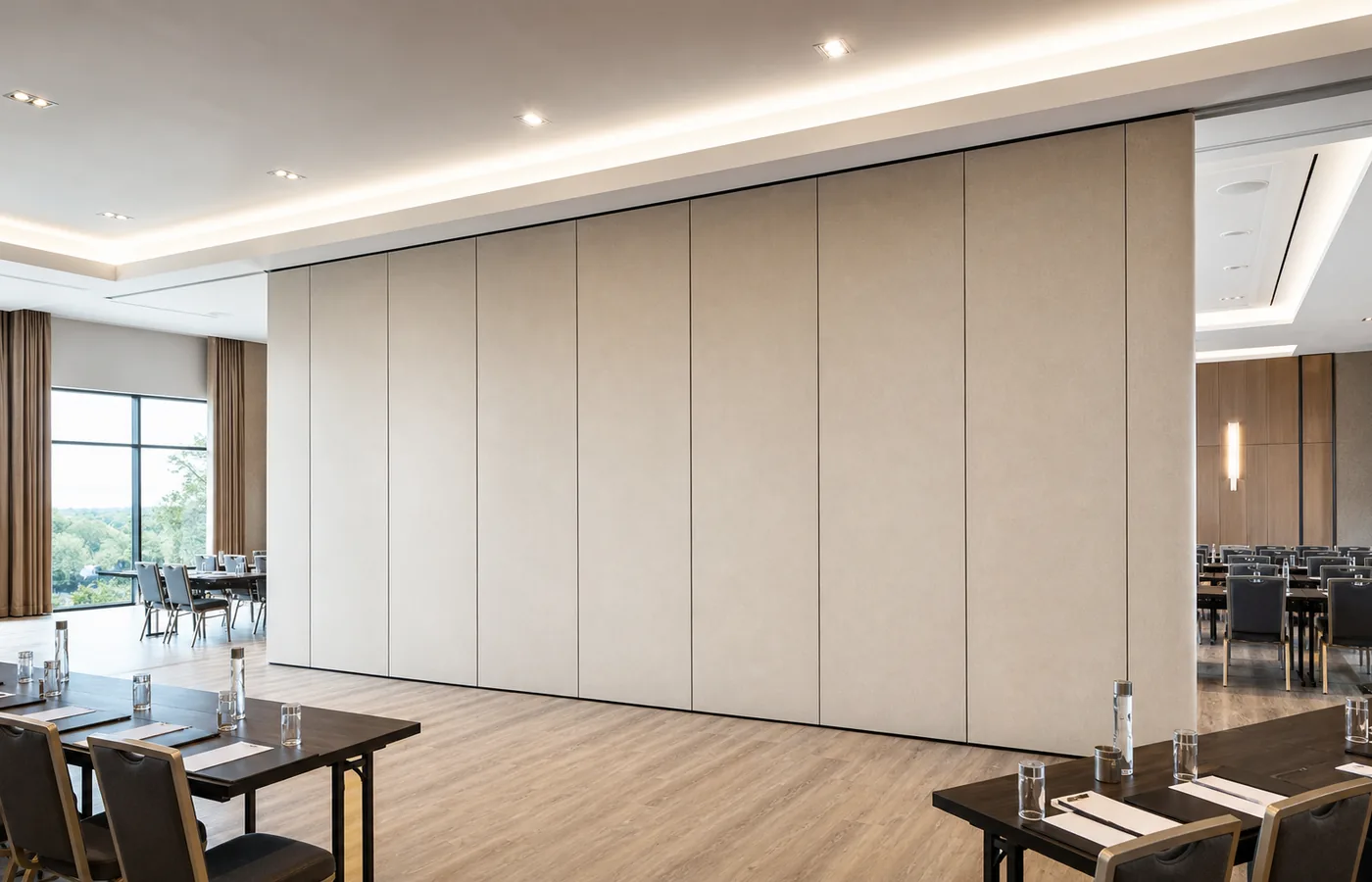
For a computer lab, the floor is often a continuous surface that carries desks, cable routes and equipment positions. A top-hung arrangement keeps that floor physically uninterrupted by the maintained EBUNGE system. This does not remove the need for careful planning, but it changes which questions the project team must answer first.
The exact route, junction arrangement, continuous overhead path and parking position must be confirmed from the coordinated project drawings.
Physically Uninterrupted Floor and Backup Power Units
Backup power units are often placed where they can serve the lab without disrupting daily teaching. Their position, ventilation and access needs belong to the power design, not to the partition product. The partition line and the power equipment should be shown together on the same coordinated drawings.
Because the maintained EBUNGE top-hung system has no continuous floor running track or operating hardware in the finished floor along the partition line, the floor remains physically uninterrupted. The floor is not cut or damaged for a floor track. That condition can support a cleaner coordination discussion between the partition route and the power route.
The exact overhead route and support arrangement must be confirmed by the responsible project team from coordinated drawings. Those items depend on project-specific evidence and the coordinated drawings.
Parking Planning for University Computer Lab Partition Stacking
Panel parking style can be customized to the customer layout and project requirements, subject to coordinated drawings. A suitable approved parking arrangement can use the stacking area more compactly and coordinate with the space design. The exact track, support and panel layout still require project drawings.
In a computer lab, the parking area may sit near a wall, a column line or another agreed zone. The goal is to keep the parked panels clear of teaching positions, equipment routes and backup power units. The drawings should show the parked condition as clearly as the closed condition.
University computer lab partition stacking should be reviewed with the room schedule. If the lab changes between open, divided and combined states, the parking position must work in each of those states. The drawings remain the controlling document for that review.
Finish and Care Coordination
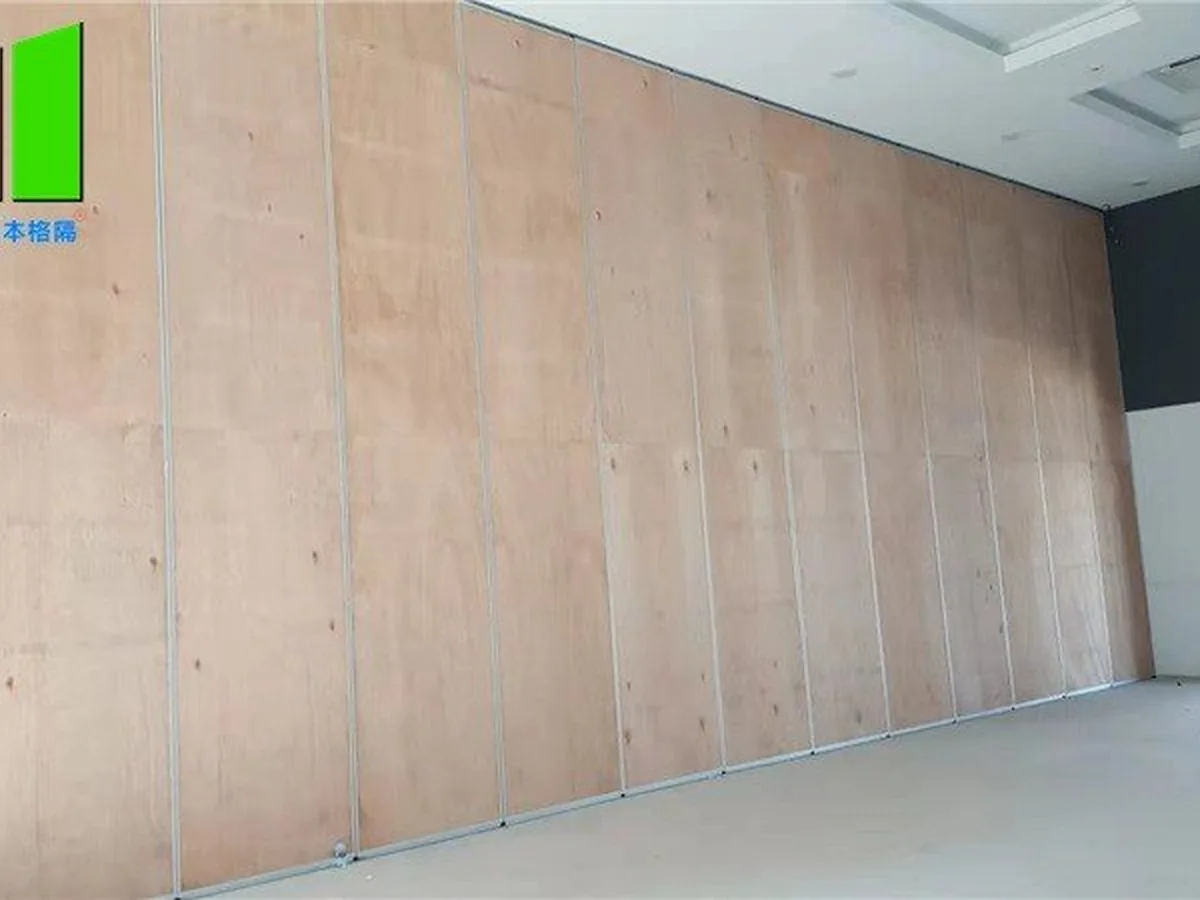
Finish materials can be customized, and cleaning and maintenance methods vary with the selected finish. That means the finish choice should be made with the university’s cleaning routine in mind. Different finishes may call for different care methods, so the selected finish and its care guidance should be recorded together.
For a lab environment, the finish discussion should also consider how the space is used around desks, chairs and equipment. The confirmed position is that finishes are customizable and that care methods follow the finish. No cleaning outcome, durability claim or performance rating is made here.
Finish samples and care information can be reviewed alongside the coordinated drawings. The suitability of each route and parking arrangement depends on the approved layout, circulation, ceiling interfaces and operating sequence.
Non-Limiting Applications and Space Types
Movable partitions can be used wherever flexible space division, combination or reconfiguration is required. Application examples are not limiting. A university computer lab is one possible setting, but the same planning logic can apply to other teaching, study and support spaces.
EBUNGE has completed many types of hotel-related movable-partition projects. Ballrooms, wedding halls and multifunction halls are non-limiting examples. No customer names, locations, quantities, ratings, certifications or outcomes may be inferred from that statement.
For university computer lab partition stacking, the useful lesson is procedural. Define the room states, define the parking zone, and let the drawings confirm the route and support arrangement.
Buyer Inputs to Prepare Before Drawing Review
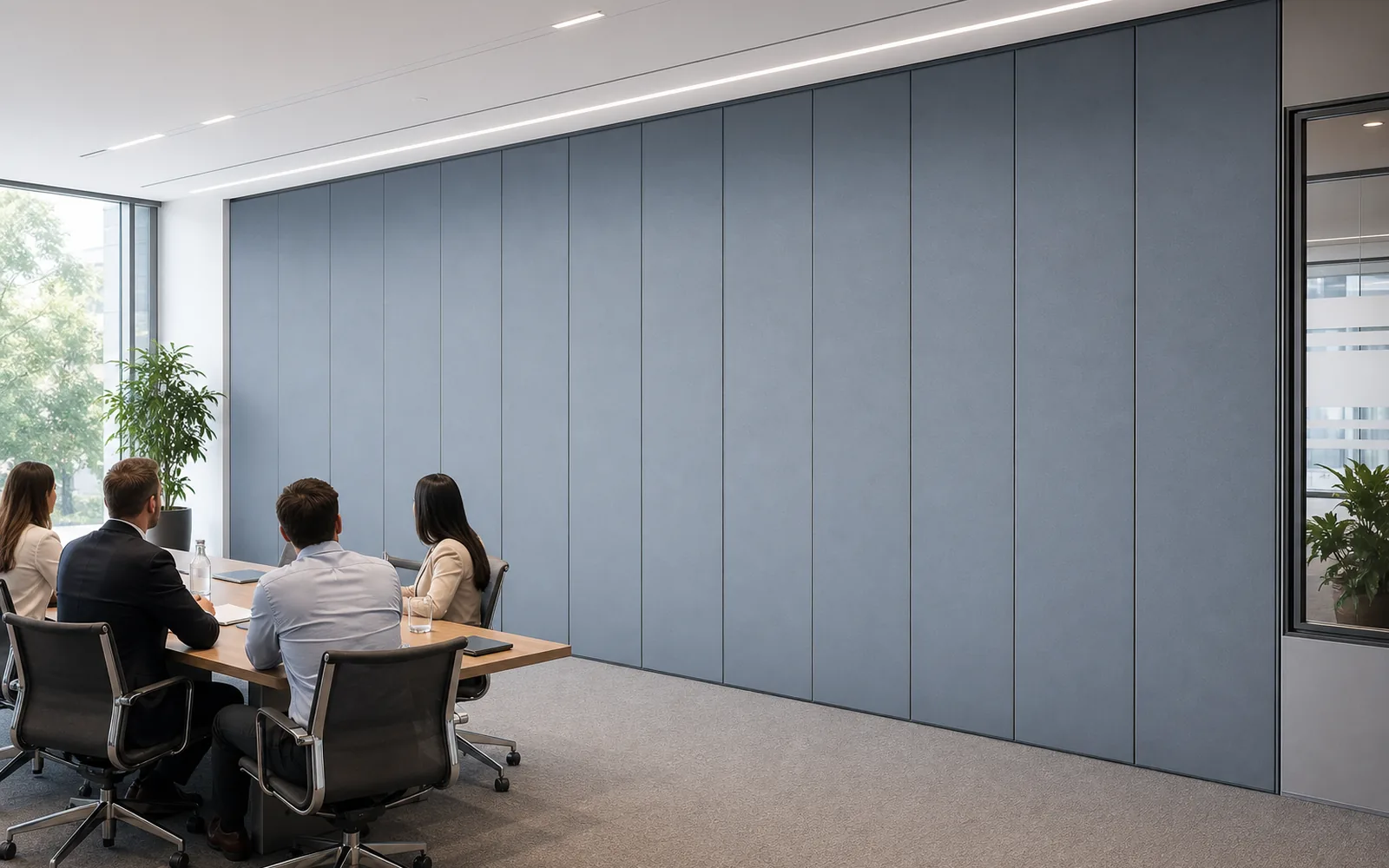
A productive review starts with clear inputs from the university side. The project team should describe how the lab is used, which room states are required, and where backup power units are expected to sit. They should also identify any fixed equipment or circulation routes that must remain clear.
- Room states: open, divided or combined conditions the lab must support.
- Parking zone: the area proposed for parked panels, subject to drawings.
- Finish direction: preferred appearance and the care method it may require.
- Power coordination: expected backup power unit positions and access needs.
- Drawing set: the coordinated documents that will confirm the final arrangement.
These inputs help the project team compare options. They do not replace the coordinated drawings, and they do not confirm any performance item.
Drawing Approvals and the Confirmed Boundary
Panel parking style can be customized to the customer layout and project requirements, subject to coordinated drawings. A suitable approved parking arrangement can use the stacking area more compactly and coordinate with the space design. The exact track, support and panel layout still require project drawings.
The exact route, junction arrangement, continuous overhead path and parking position must be confirmed from the coordinated project drawings. This boundary sentence applies to every engineering detail that is not otherwise confirmed in this article.
University computer lab partition stacking should be approved through coordinated drawings, not through assumptions about the floor, the ceiling or the power equipment.
Reviewers can use the operable wall system page for product context and the documents page for drawing-related material.
Common Questions About University Computer Lab Partition Stacking
Does university computer lab partition stacking require a floor track?
The EBUNGE movable partition system is top-hung and has no continuous floor running track or operating hardware in the finished floor along the partition line. The floor is not cut or damaged for a floor track and remains physically uninterrupted by the maintained EBUNGE top-hung system.
Can the parking style be adapted to the lab layout?
Panel parking style can be customized to the customer layout and project requirements, subject to coordinated drawings. A suitable approved parking arrangement can use the stacking area more compactly and coordinate with the space design. The exact track, support and panel layout still require project drawings.
How should backup power units be coordinated with the partition?
Backup power units belong to the power design, and their positions should appear on the same coordinated drawings as the partition route. The exact route, junction arrangement, continuous overhead path and parking position must be confirmed from the coordinated project drawings.
Can the finish be selected for a computer lab environment?
Finish materials can be customized, and cleaning and maintenance methods vary with the selected finish. The finish choice and its care method should be recorded together, because care guidance follows the selected finish.
Are movable partitions limited to computer labs?
Movable partitions can be used wherever flexible space division, combination or reconfiguration is required, and application examples are not limiting. EBUNGE has completed many types of hotel-related movable-partition projects, with ballrooms, wedding halls and multifunction halls as non-limiting examples.
What confirms the final partition arrangement?
The exact route, junction arrangement, continuous overhead path and parking position must be confirmed from the coordinated project drawings. University computer lab partition stacking should therefore be reviewed against those drawings before the arrangement is treated as final.
Continue Exploring
More Operable Wall System Guides
- Newer guideLanguage Lab Partition Manual Operation: Audio Zoning
- Earlier guideUniversity Testing Center Partition with Partition Operation: Exam
- Related guideCan a Wheelchair Pass Where an Operable Wall Meets a Door Threshold?
- Related guideCan a Wheelchair Turn Where Operable Walls Meet a Corridor Junction?