
Quick project answer
Office meeting suite partition stacking wall displays require early coordination between the movable partition layout and the wall-mounted display positions. The EBUNGE movable partition system is top-hung and has no continuous floor running track or operating hardware in the finished floor along the partition line. This article explains how to plan office partition stacking wall displays using confirmed product facts and project drawing approvals.
Start with the top-hung principle
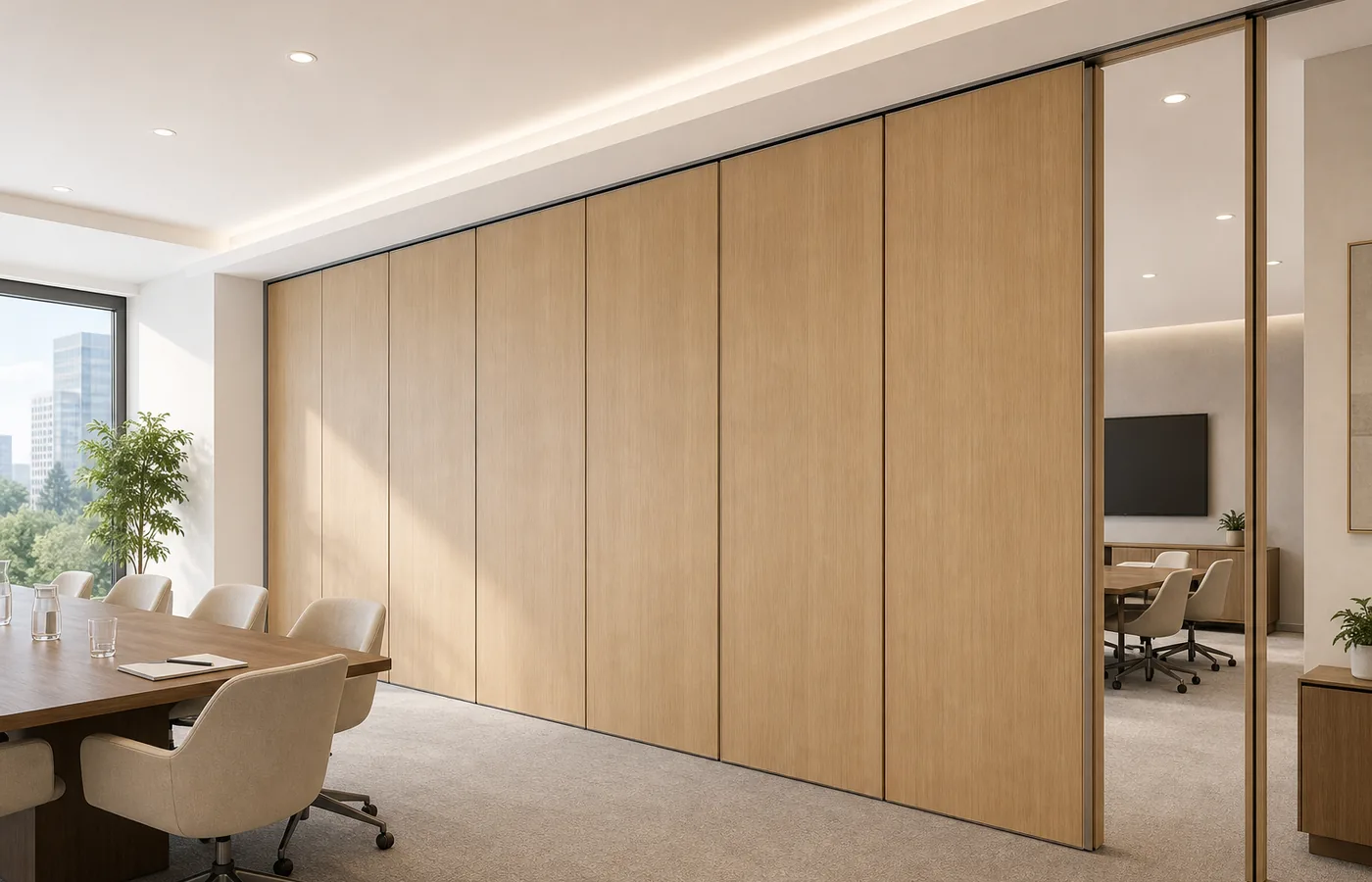
The EBUNGE movable partition system is top-hung. That means the partition panels are carried from an overhead structure rather than from a floor-mounted track. The finished floor along the partition line is not cut or damaged for a floor track. The floor remains physically uninterrupted by the maintained EBUNGE top-hung system.
For office meeting suite partition stacking wall displays, this top-hung principle affects how you plan the room perimeter. Wall-mounted displays can be positioned on walls that are not crossed by a floor track. The overhead path and support still require coordinated project drawings before any layout is fixed.
Physically uninterrupted floor benefits
A physically uninterrupted floor is a practical starting point for meeting suite planning. Because there is no continuous floor running track or operating hardware in the finished floor along the partition line, the floor finish can continue without a track cut. This supports a clean floor plane in the meeting suite.
When planning office partition stacking wall displays, the absence of a floor track means the floor area can be used for furniture, cabling or display-related equipment without a track crossing. The exact route, junction arrangement, continuous overhead path and parking position must be confirmed from the coordinated project drawings.
Plan parking and stacking early
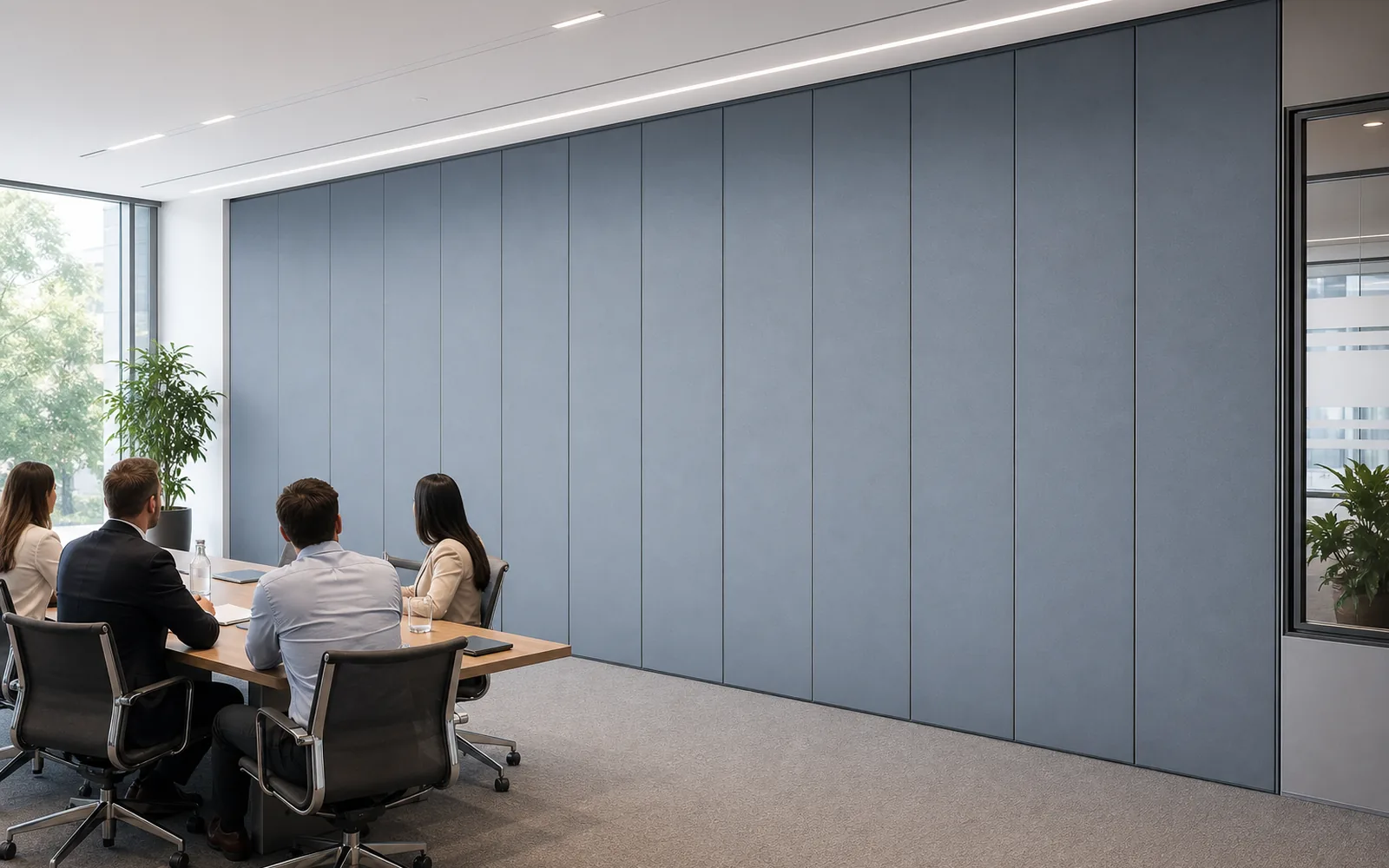
Panel parking style can be customized to the customer layout and project requirements, subject to coordinated drawings. A suitable approved parking arrangement can use the stacking area more compactly and coordinate with the space design. The exact track, support and panel layout still require project drawings.
For office partition stacking wall displays, the parking area should be considered alongside the wall-mounted display locations. A compact stacking area can help preserve wall space for displays. However, the final parking position and its relationship to displays must be confirmed from the coordinated project drawings.
Coordinate finishes and care
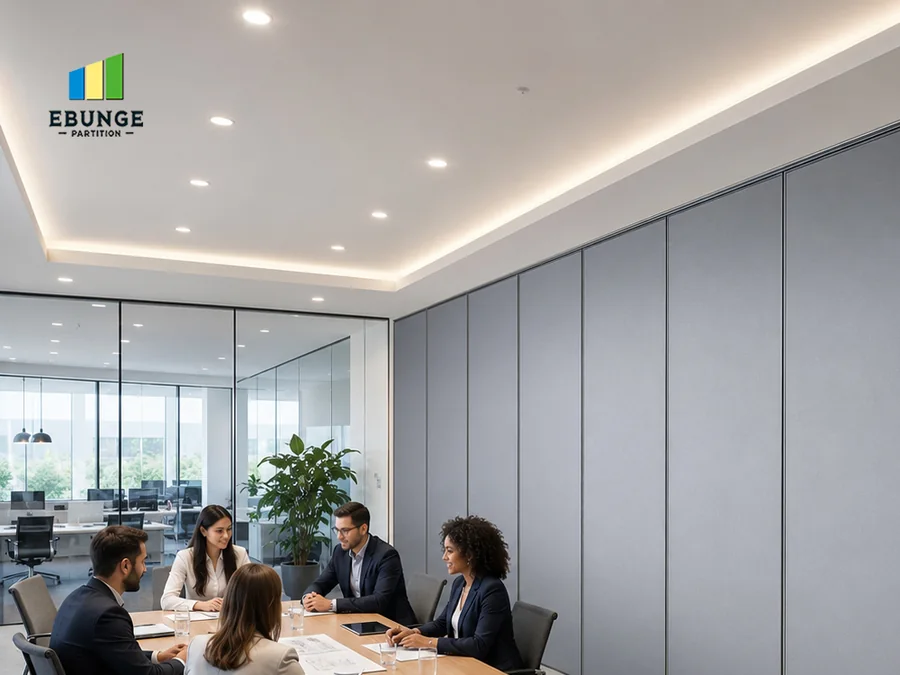
Finish materials can be customized, and cleaning and maintenance methods vary with the selected finish. This means the finish choice for the movable partitions should be coordinated with the meeting suite design and with the care instructions for that finish.
When planning office partition stacking wall displays, consider how the selected partition finish will be maintained alongside the wall-mounted displays. Cleaning methods differ by finish, so the project team should confirm the appropriate care approach for each selected material. The exact route, junction arrangement, continuous overhead path and parking position must be confirmed from the coordinated project drawings.
Non-limiting application examples
Movable partitions can be used wherever flexible space division, combination or reconfiguration is required. Application examples are not limiting. EBUNGE has completed many types of hotel-related movable-partition projects. Ballrooms, wedding halls and multifunction halls are non-limiting examples.
For office meeting suites, the same top-hung principle can support flexible room division. Office partition stacking wall displays can be planned for training rooms, boardrooms or combined meeting areas. Each application still depends on coordinated drawings and the confirmed parking arrangement.
Buyer inputs needed for drawings
To move from concept to coordinated drawings, buyers should provide the meeting suite layout, the intended stacking location and the wall-mounted display positions. The project team also needs information about the selected finish and any local requirements that affect the partition line.
The exact overhead route and support arrangement must be confirmed by the responsible project team from coordinated drawings. The exact route, junction arrangement, continuous overhead path and parking position must be confirmed from the coordinated project drawings. Buyers should review these drawings before finalizing the office partition stacking wall displays plan.
Drawing approvals and project coordination
Coordinated drawings are the controlling document for office partition stacking wall displays. They confirm the track route, support locations and parking position. They also show how the stacking area relates to wall-mounted displays and other fixed elements.
Finish selections should be recorded alongside the drawings so that cleaning and maintenance methods can be matched to the chosen finish. Because finish materials can be customized, the project team should confirm the care approach for each selected finish. The exact route, junction arrangement, continuous overhead path and parking position must be confirmed from the coordinated project drawings.
Scannable planning checklist
- Confirm the meeting suite layout and the intended partition line.
- Identify the wall-mounted display positions and the stacking area.
- Review the top-hung principle and the physically uninterrupted floor.
- Select finish materials and note finish-specific care methods.
- Coordinate the parking arrangement with the space design.
- Obtain coordinated drawings before finalizing the office partition stacking wall displays plan.
Parking arrangement comparison
| Planning item | What to confirm |
|---|---|
| Parking style | Customized to customer layout and project requirements, subject to coordinated drawings. |
| Stacking area use | A suitable approved parking arrangement can use the stacking area more compactly and coordinate with the space design. |
| Track and support | The exact track, support and panel layout still require project drawings. |
| Floor condition | The floor is not cut or damaged for a floor track and remains physically uninterrupted by the maintained EBUNGE top-hung system. |
Common questions about office partition stacking wall displays
Does the EBUNGE movable partition system require a floor track?
No. The EBUNGE movable partition system is top-hung and has no continuous floor running track or operating hardware in the finished floor along the partition line. The floor is not cut or damaged for a floor track and remains physically uninterrupted by the maintained EBUNGE top-hung system.
Can the parking style be customized for a meeting suite?
Panel parking style can be customized to the customer layout and project requirements, subject to coordinated drawings. A suitable approved parking arrangement can use the stacking area more compactly and coordinate with the space design. The exact track, support and panel layout still require project drawings.
How should wall-mounted displays be coordinated with partition stacking?
Wall-mounted display positions should be considered alongside the stacking area during planning. The exact route, junction arrangement, continuous overhead path and parking position must be confirmed from the coordinated project drawings. This helps the project team relate the display locations to the approved parking arrangement.
Can finish materials be customized, and how are they maintained?
Finish materials can be customized, and cleaning and maintenance methods vary with the selected finish. The project team should confirm the care approach for each selected finish. The exact route, junction arrangement, continuous overhead path and parking position must be confirmed from the coordinated project drawings.
What applications are possible for movable partitions?
Movable partitions can be used wherever flexible space division, combination or reconfiguration is required. Application examples are not limiting. EBUNGE has completed many types of hotel-related movable-partition projects, and ballrooms, wedding halls and multifunction halls are non-limiting examples.
What should buyers provide before drawings are approved?
Buyers should provide the meeting suite layout, intended stacking location, wall-mounted display positions and finish preferences. The exact route, junction arrangement, continuous overhead path and parking position must be confirmed from the coordinated project drawings. Review these drawings before finalizing the office partition stacking wall displays plan.
For related project examples, see /projects/. For broader space division options, see /solutions/.
Continue Exploring
More Operable Wall System Guides
- Newer guideOffice Suites Partition Stacking: Door Swing Clearance
- Earlier guideCoordinating Meeting Suite Partition Stacking With Ceiling Projectors
- Related guidePhase Operable Wall Work When a Renovation Adds a New Wing
- Related guideRoom Scheduling Rules That Decide When an Operable Wall Stays Open